
The Elite Hoops play designer is here. Grab the latest version of Elite Hoops from the App Store to get started.
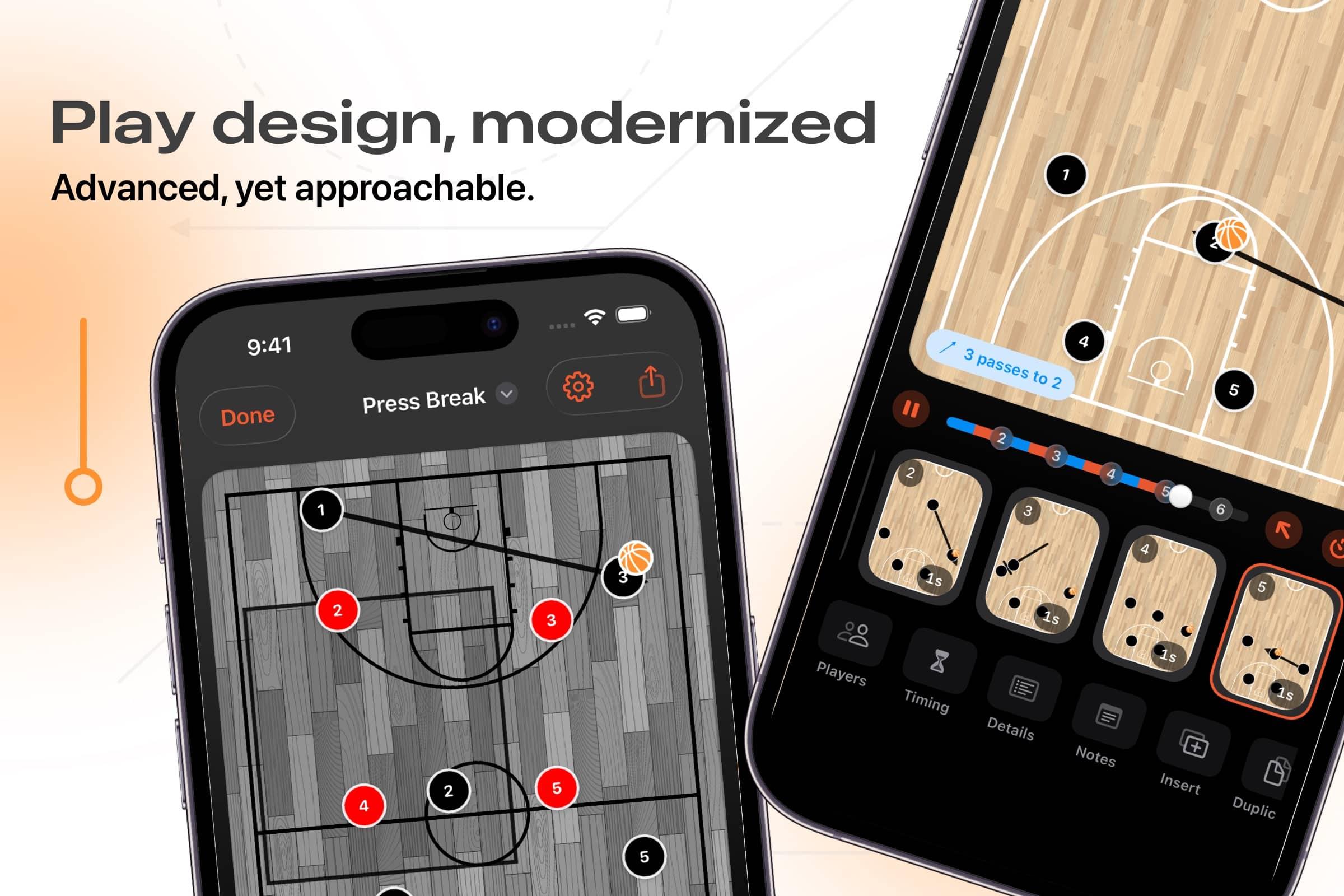
Create detailed plays, BLOBs, SLOBS, or anything else easily, and then share it anywhere as a video, or images already formatted for social channels. It's quick, intuitive, and packed with features you won't find anywhere else. Also, all while being the most affordable play designer in the industry (and, by a wide margin).
The current basketball play designer also works on the web. For a hands-on example, follow how to draw animated basketball plays.
Here are some highlights:
The Timeline Scrubber
When I set out to design this feature, I noticed an immediate pain point: most play designers separate the actual playback of the play and the creation of the play. This takes coaches out of context. In Elite Hoops, the timeline scrubber keeps you focused. At any point, drag on the timeline (just like you would a video) to go to any part of any frame in the play:
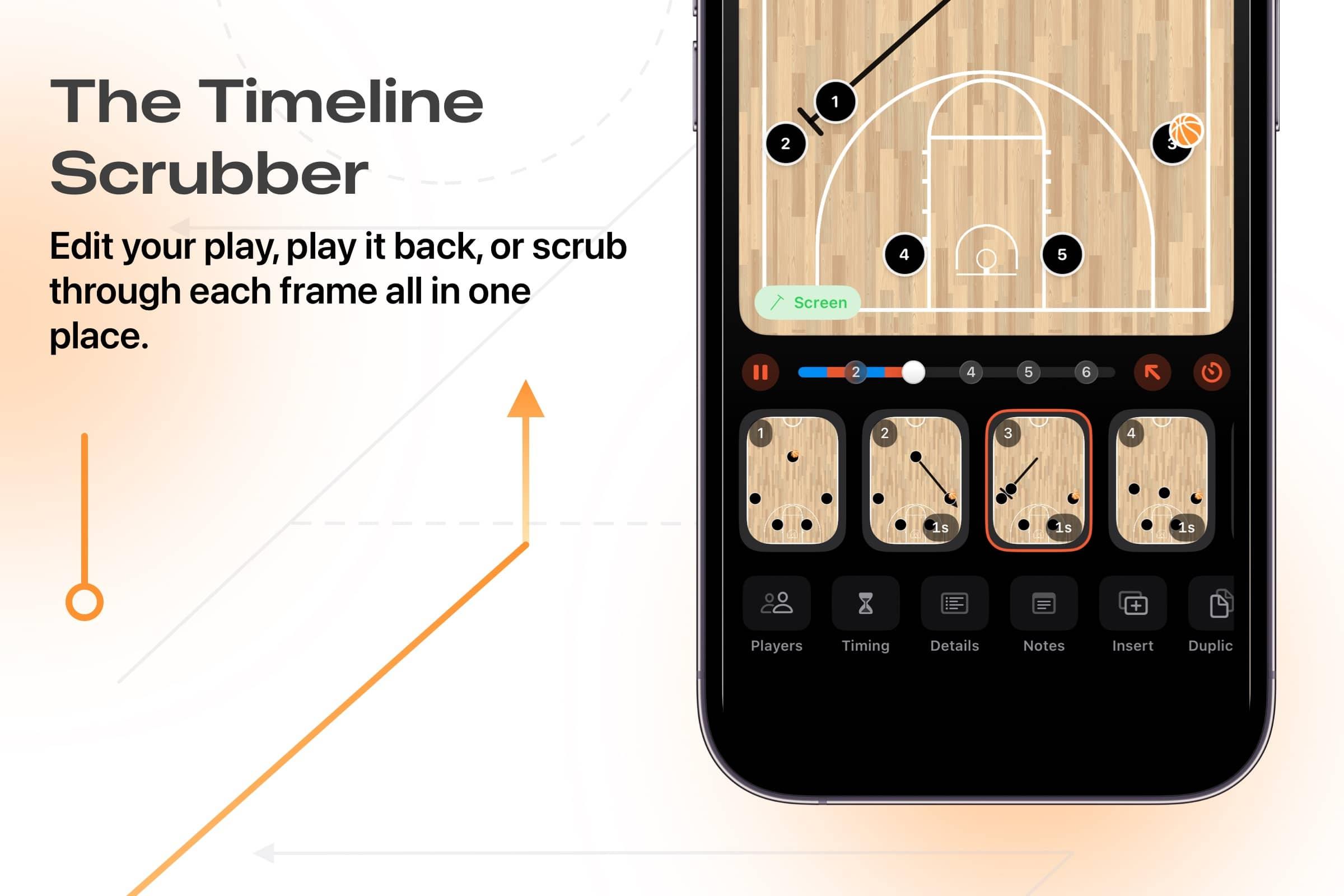
Or, tap play to start playback of the play immediately.
Sharing
Of course, the play is useless if you can't get it to your players and coaching staff. Our play designer lets you quickly create a smooth, 60 frames per second video in any size you need:
- Portrait: great for social channels.
- Landscape: Precisely sized for YouTube and video platforms.
- Post: A square aspect ratio.
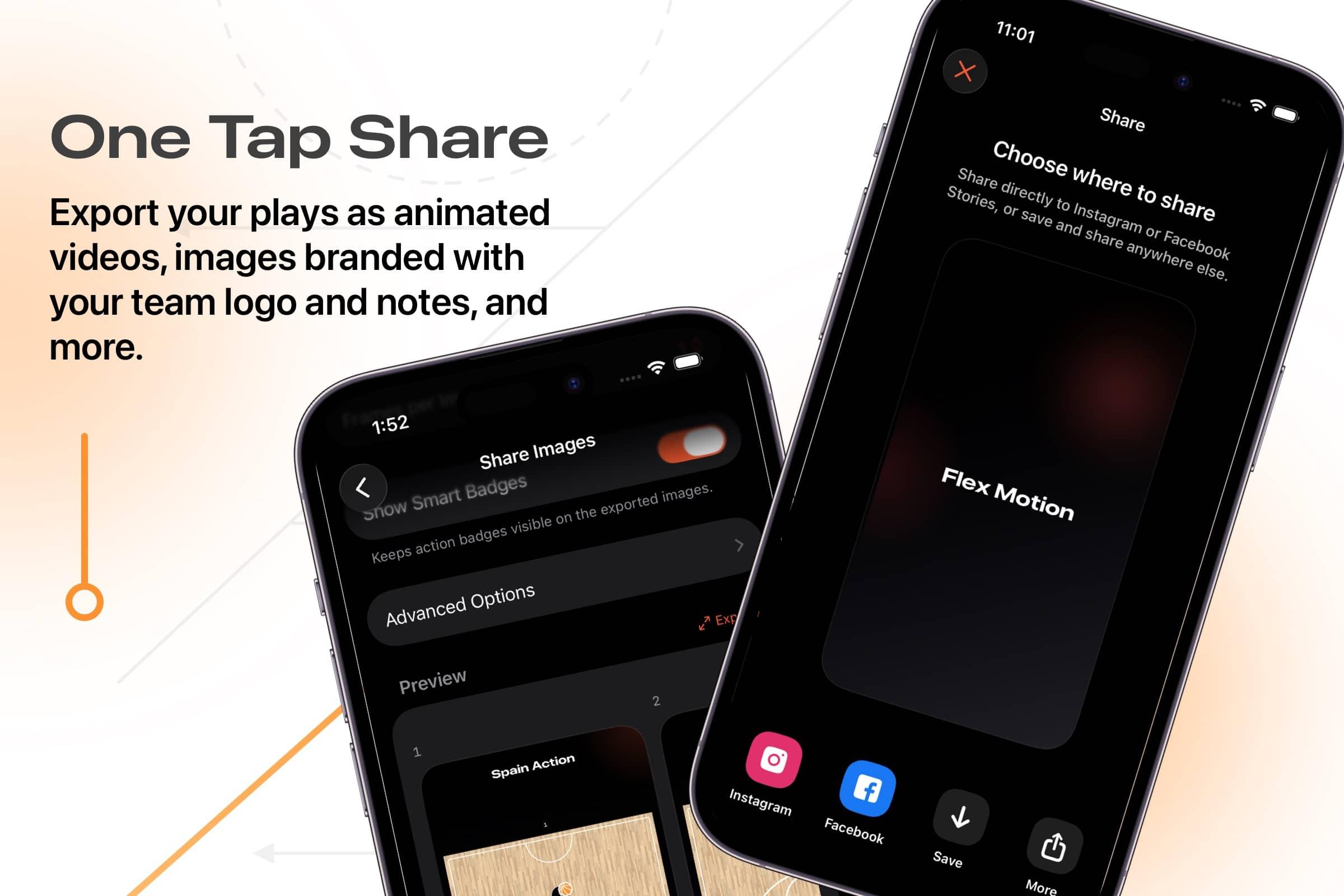
It's not only videos, though. Share images or PDFs too. No matter what you choose, all of your notes, play steps, and your team logo are front and center in the export — and you can customize any of it.
Team playbooks
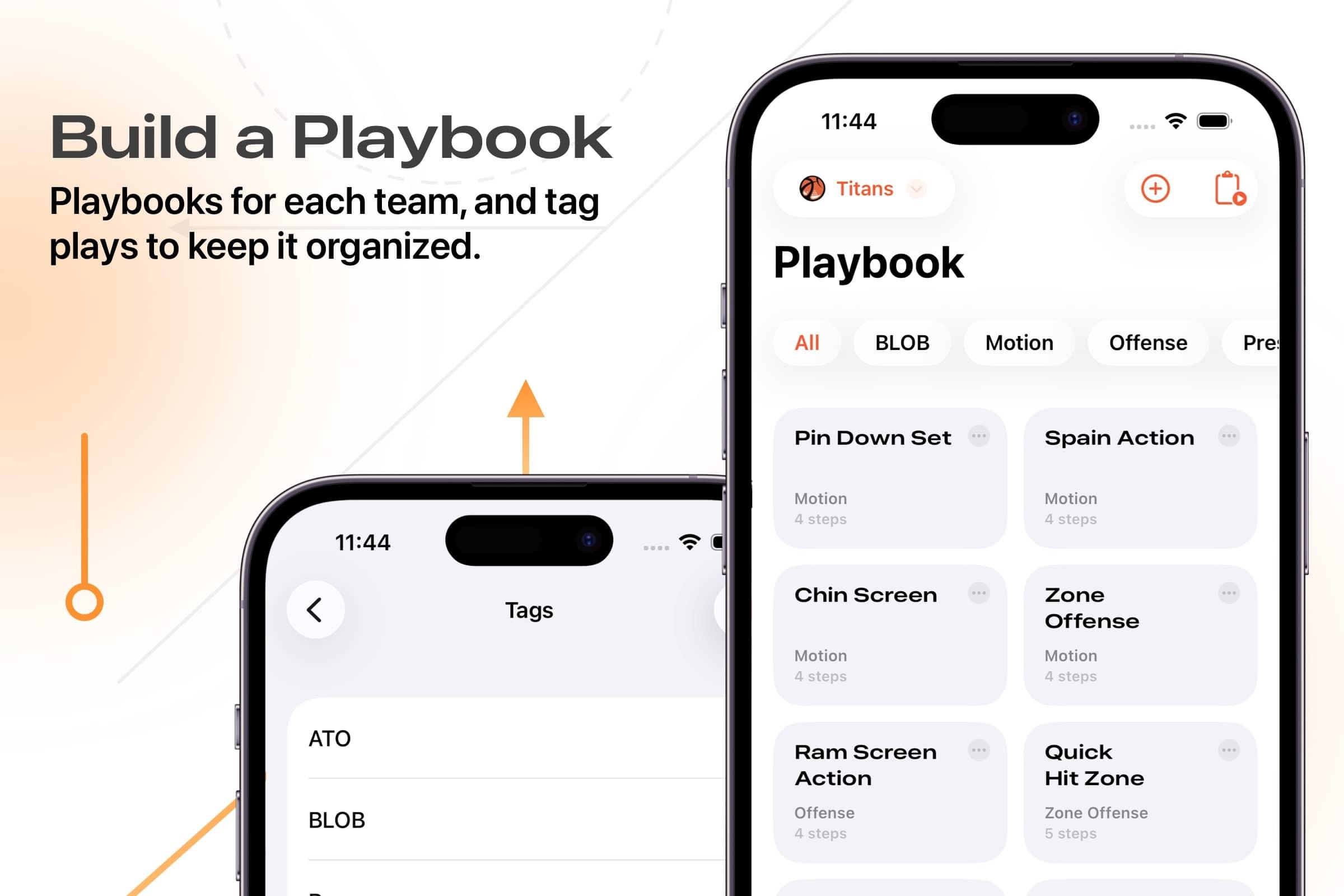
Of course, once you start building out plays, you need a place to save them. Now, Elite Hoops separates each team's practices and playbooks into their own spot. Things are focused on a per-team basis now, and you can group plays by tags (and we include 13 common ones by default, saving you the time of putting terms like 'Offense', 'Motion', etc. in):
Smart Badges, Lookback and More
While I'm confident Elite Hoops has an approachable feel, it's also advanced. I built in several new features to save coaches time. Here are a few:
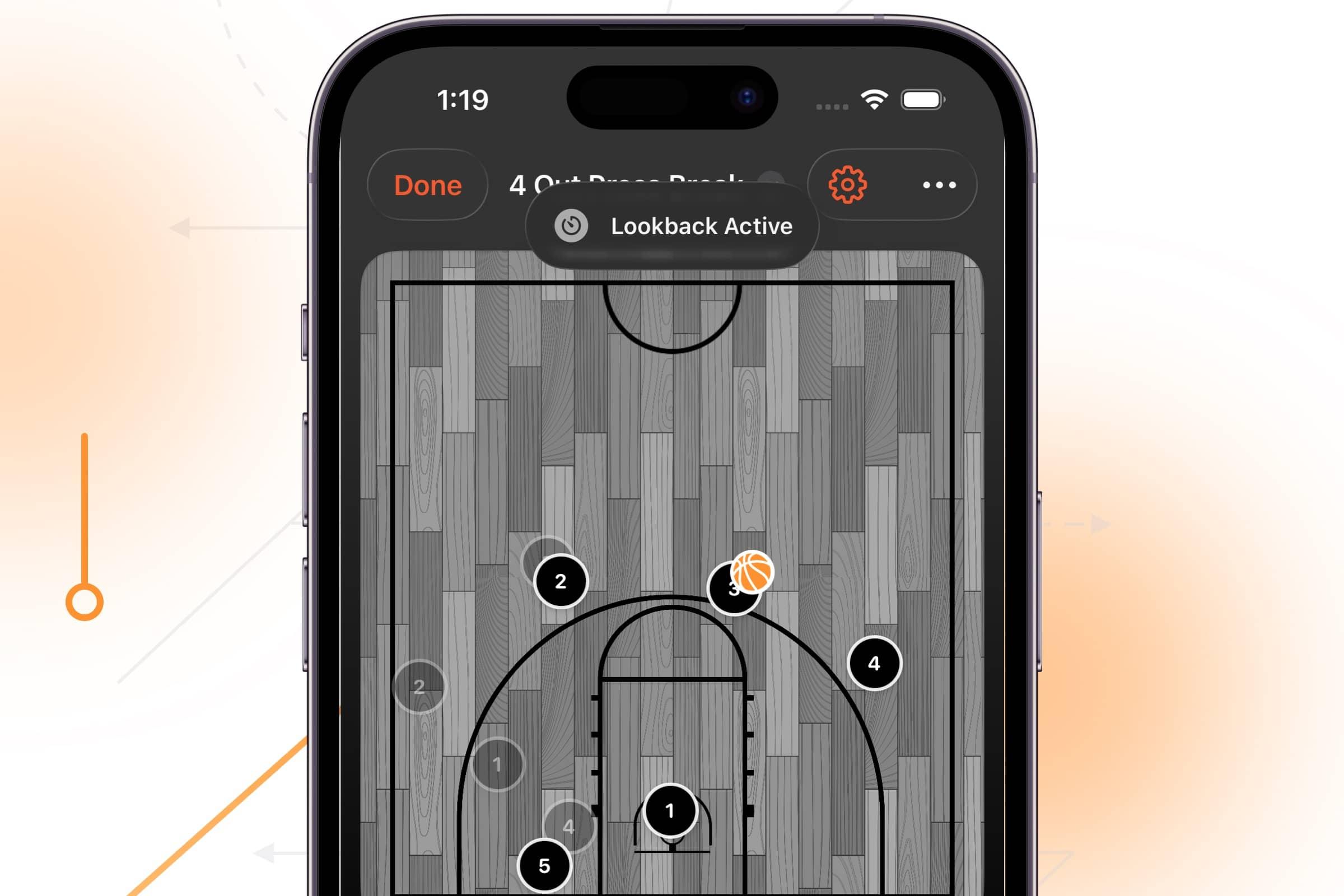
- The Lookback button instantly recalls previous frame positions for seamless workflows.
- You can control the camera zoom with smooth animations to highlight specific plays and concepts on a per-frame basis.
- Smart badges that automatically annotate screens, passes, and actions.
- Quick pass feature: double-tap any player to auto-pass and add passing symbols.
- Smart paths with curves for realistic player movements including pin downs and backdoor cuts.
- Deep customization options for courts, leagues, colors, defense, player labels, and team logos.
- Complete feature set including diagramming symbols, notes, and smooth playback.
- Fully native iOS app built with Apple's tools for superior performance and feel.
One of my favorites is the Lookback button. Tap and hold it to quickly see where players were on the previous frame:
And, I'd like to emphasize that last point, too. Elite Hoops is the only native iOS play designer on the App Store. What does that mean? It's built with Apple's tools, so it feels smoother, faster, takes advantage of iOS' features, and more. More importantly, it represents what Elite Hoops isn't, a web page repackaged as an app.
That's Elite Hoops' play designer. And, like always, I'm just getting started. Already this year I've launched user accounts, added free cloud sync and backups, and now a first-class play designer. Go download it today, and get to sharing your sets!
