Draw and Animate Basketball Plays
Create basketball play diagrams in your browser or on Apple devices. Add cuts, screens, passes, and coaching notes step by step, preview the movement, and share a play your team can watch before practice.
Free coaching resources available. Unlimited plays, cloud sync, and video exports require Pro.
Read about the basketball play designer on the web
How to Draw Animated Basketball Plays
Start with one action your team already knows, such as a pass and screen away. Build the starting positions first, then show where each player goes. Animation helps players see the order of the action as well as the final spots.
Set the starting positions
Choose the court and place your players and the ball. Leave room for the cut or screen you want to teach.
Draw the actions
Add movement paths and basketball symbols for cuts, screens, passes, dribbles, and shots. Use a curved path when a straight line would misrepresent the movement.
Build the next step
Show where the players move next and add a short coaching note about the read or timing.
Preview the animation
Play the sequence or scrub the timeline. Check that the screener is in place before the cutter arrives and that the pass reaches an available receiver.
Save and share
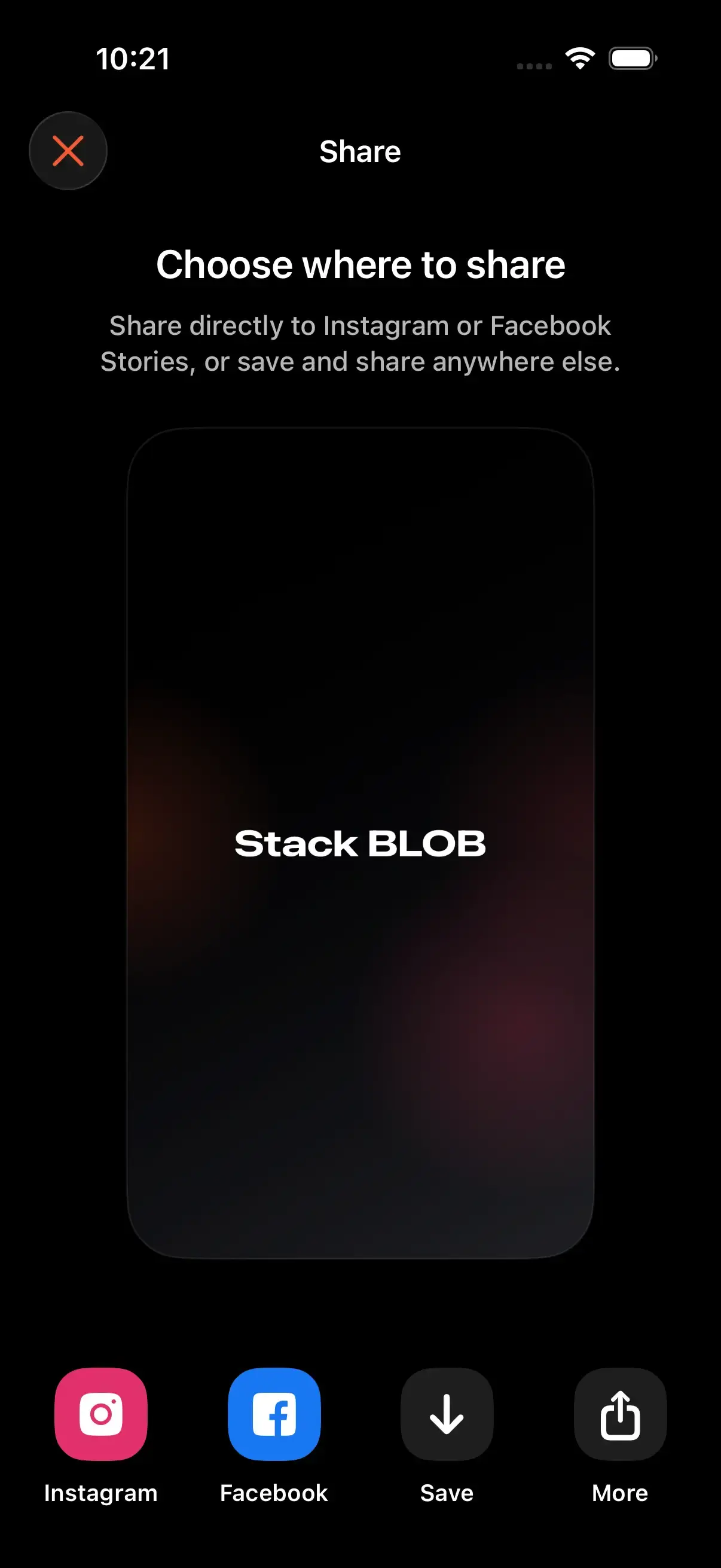
Organize the play in your playbook. With Pro, share a public link or export a video, images, or PDF for your team.
Tools for Clear Basketball Diagrams
Build the spacing, movement, and notes your players need to understand the set.
Watch an Animated ExampleDraw Online, Then Take the Play to Practice
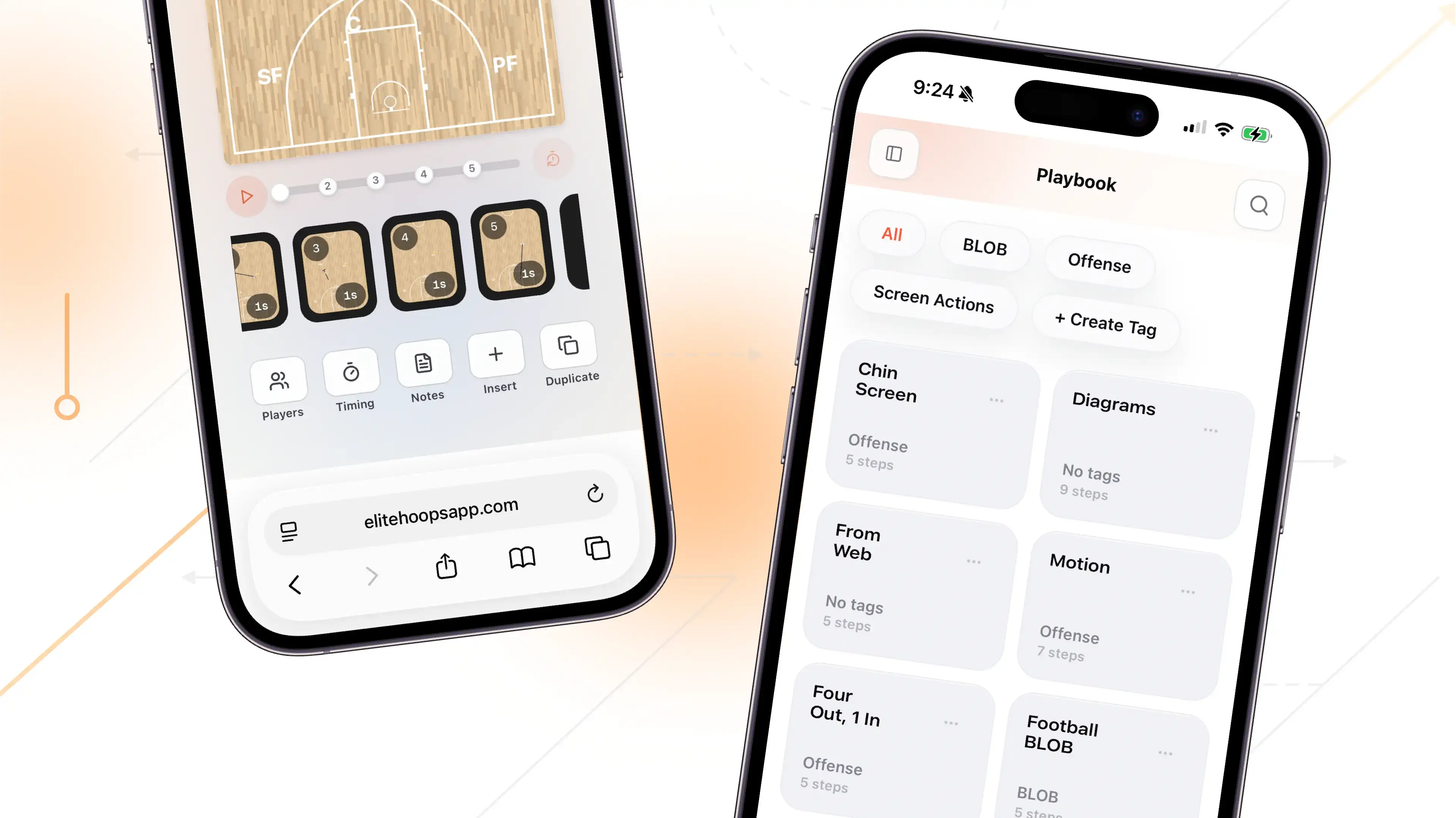
Your playbook goes with you
Draw in your browser, including on Android, or use the native iPhone, iPad, Mac, and Vision Pro apps.
Sign in with the same account to keep your Pro access and cloud-synced plays together.
37
Basketball screens. Every one animated.
See Basketball Actions in Motion
Study a screen away, a pin-down, or a ball-screen combination. Then draw a version with the spacing and reads your team uses.
Send it to your players
With Pro, share a public link players can open without an account or app, or export a video, images, or PDF.
Put it in your practice plan
Build a practice around the play, with drills and time for your team to work through it.
Considering a switch? Compare Elite Hoops with FastDraw.
Simple Pricing
Pick the plan that fits your season.
Every plan unlocks Elite Hoops Pro. A Team Plan adds a private playbook for the coaches, players, and parents you invite.
Monthly plan
Most flexibleFull Pro access with the most flexibility.
USD per month
Quarterly plan
Most popularA strong fit for a season or training block.
USD every 3 months
Checkout securely processed by Stripe
Your Complete Coaching Edge
Plan sharper, teach faster, and keep every team organized with the full Elite Hoops toolkit.
- Export animated play videos
- Share plays as PDF or images
- Share anything with a public link
- Create printable practice plans
- Save your own drill library
- Build unlimited teams and playbooks
- Use team rosters, logos, and courts
- Cloud sync and backups
- Available on web and Apple devices
Frequently asked questions
Discover More Elite Hoops Features
Packed with tools for coaches and trainers