Draw Anything. Talk It Through. Send It.
The whiteboard from the huddle, on your iPhone, iPad, or Mac. Sketch a set, a rotation, or a fix from last night’s film, explain it out loud, and send the video to your team.
In the iPhone, iPad, and Mac app. Recording and zones need Elite Hoops Pro.
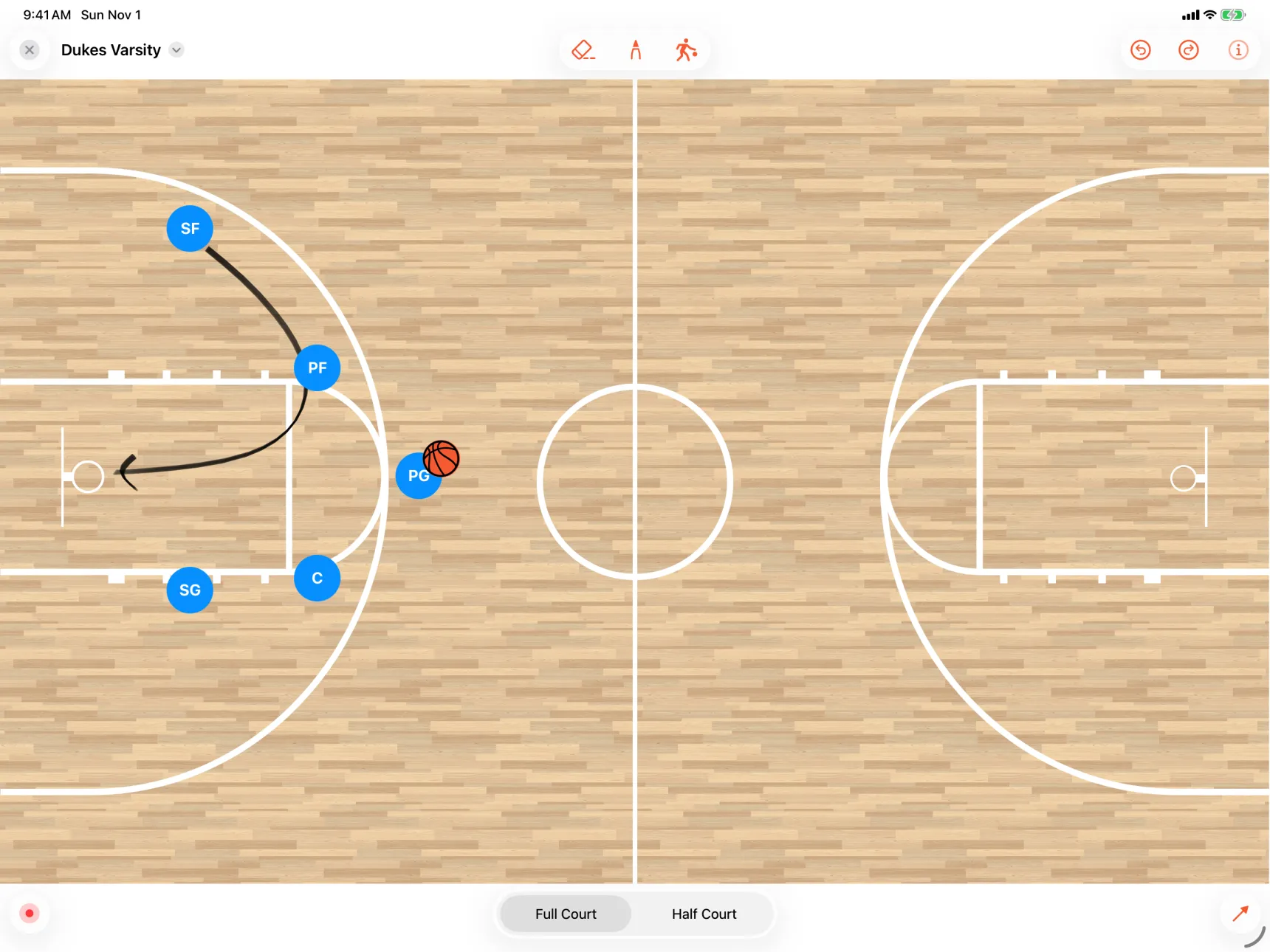
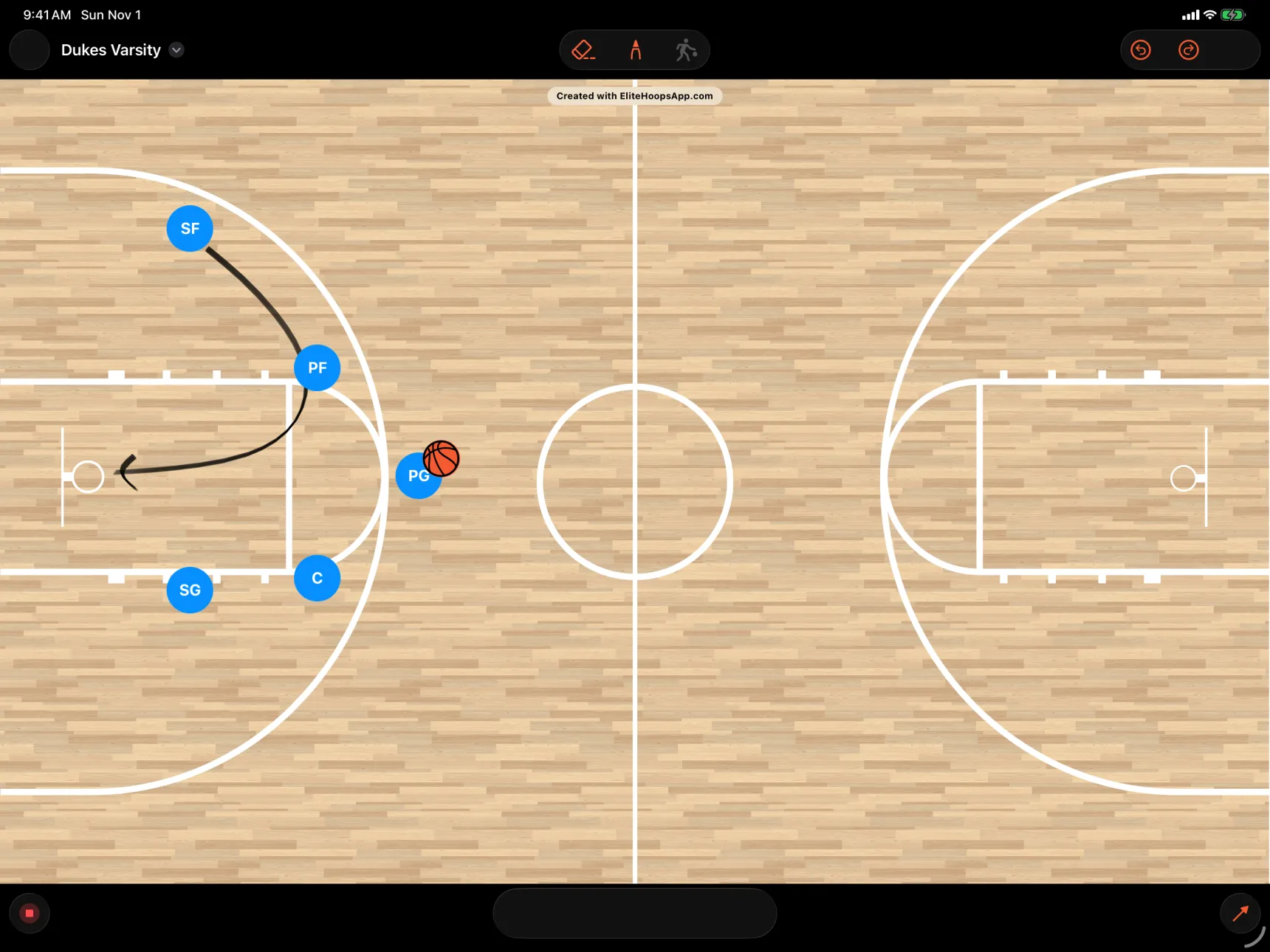
Coach it like the huddle. Then send it.
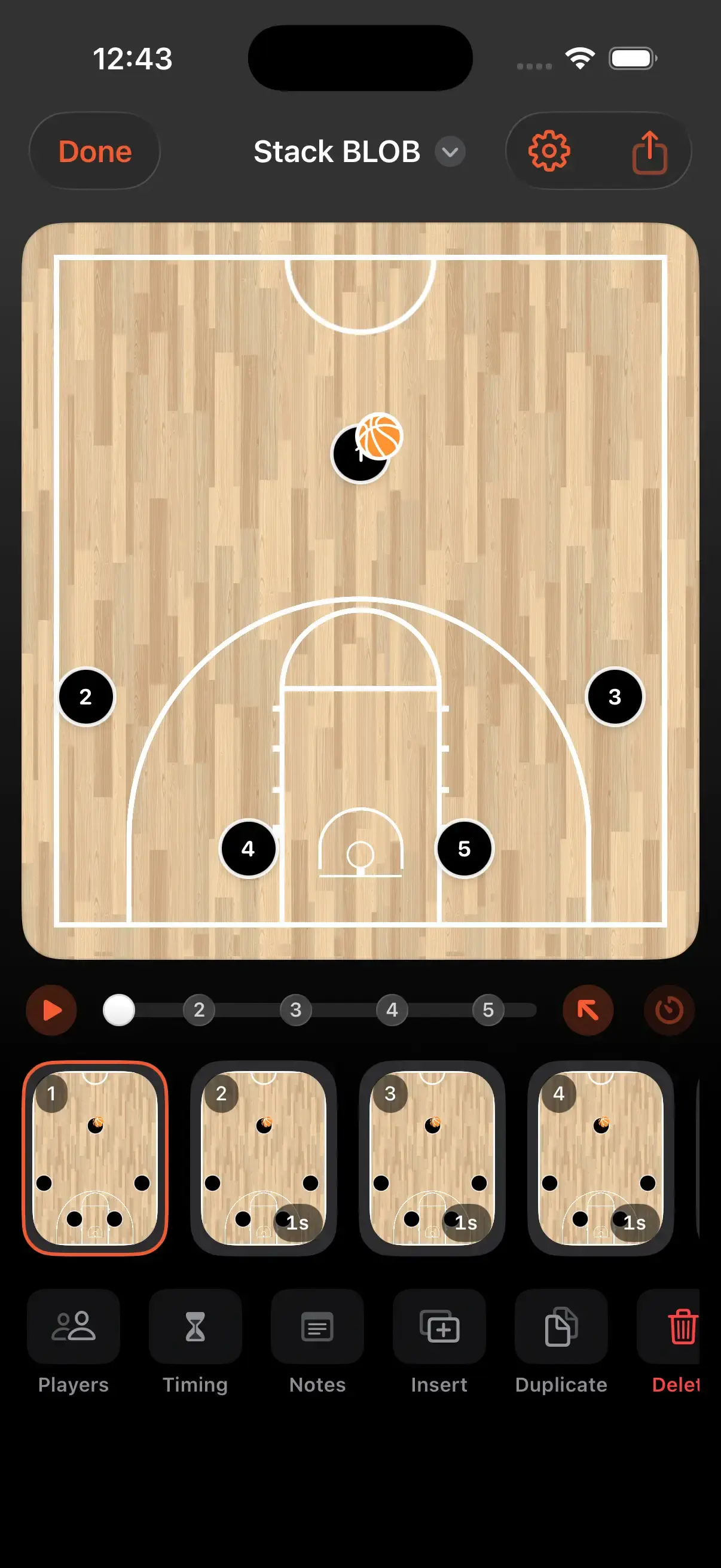
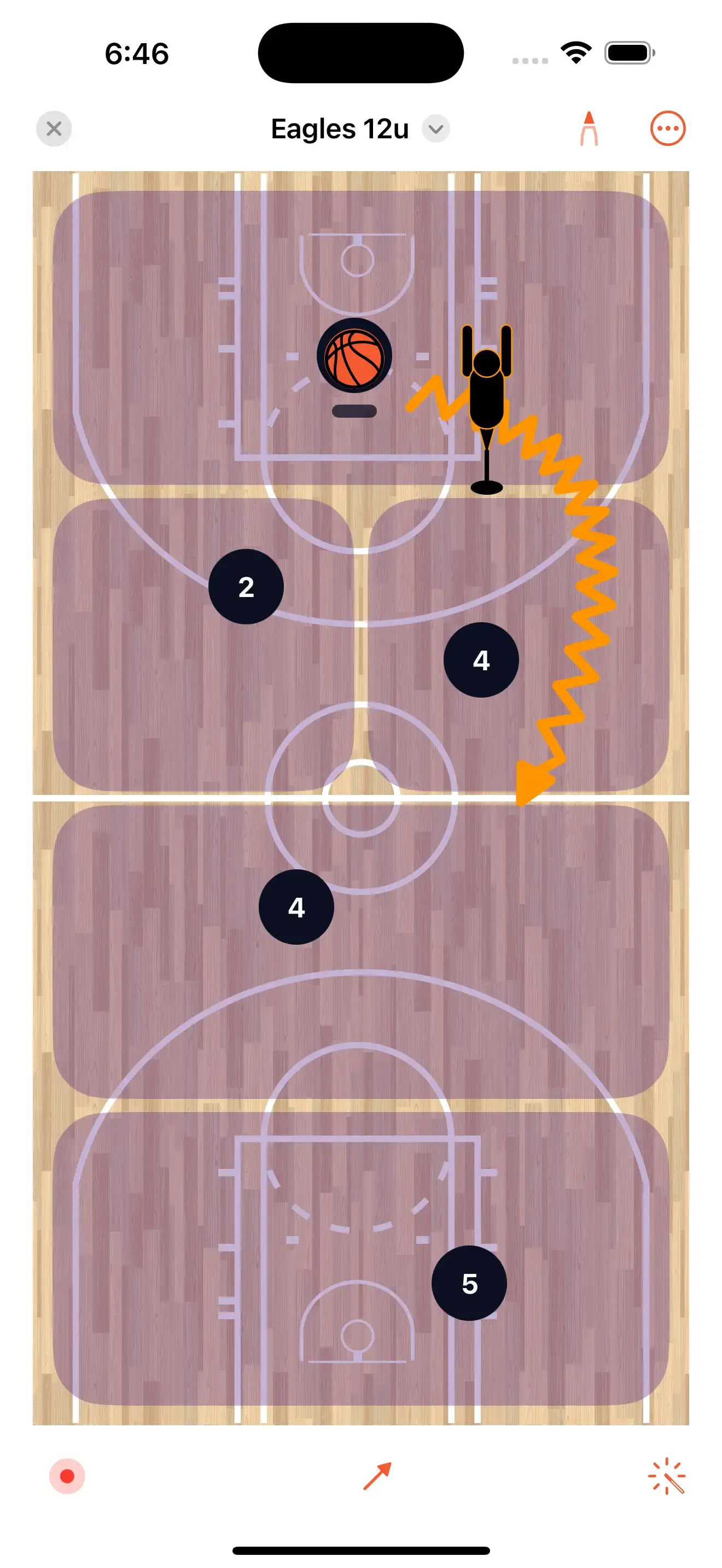
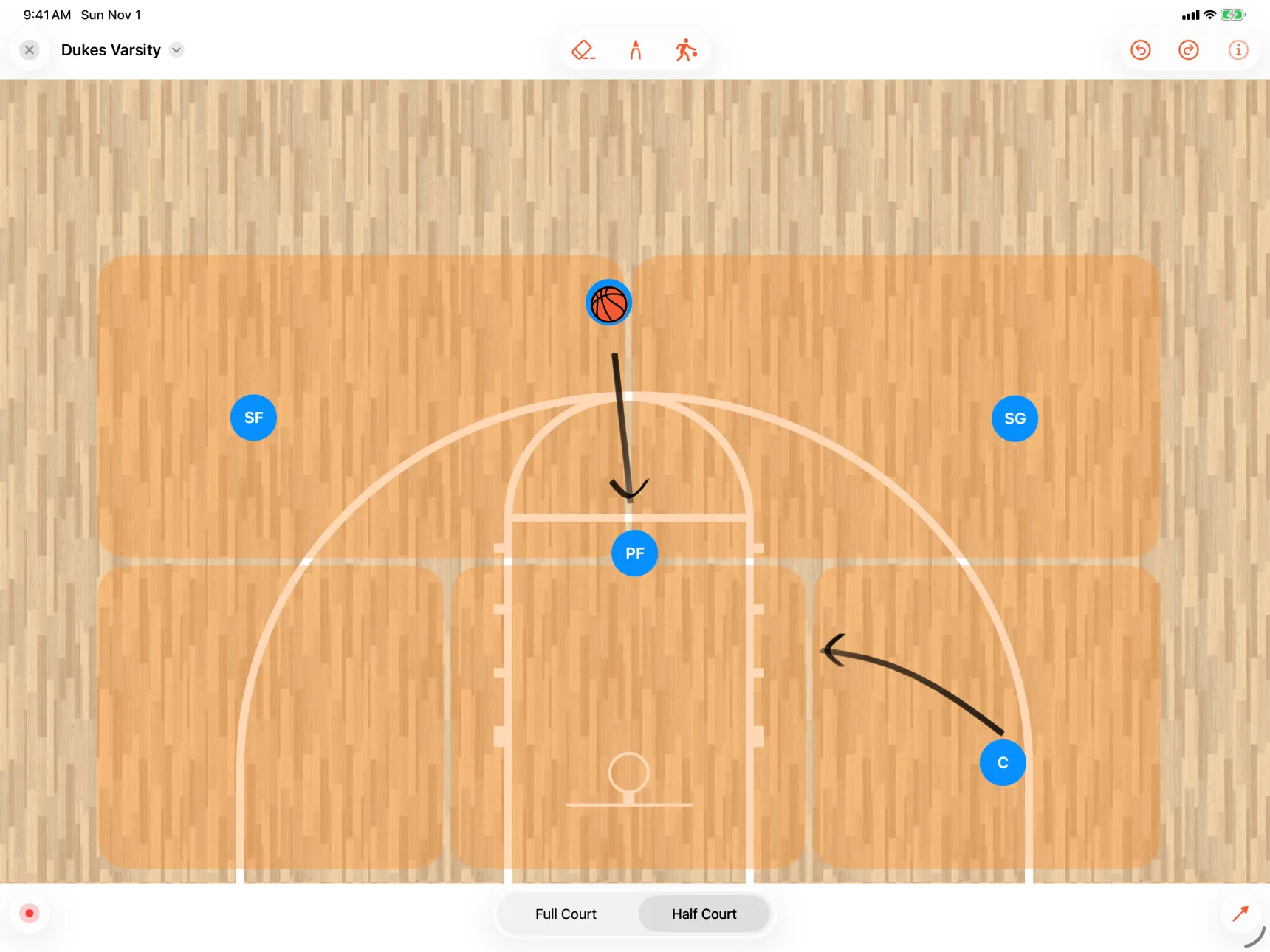
Teach against the real zone. Lay a 2-3, a 1-3-1 or a press under your players and draw the attack on top of it.
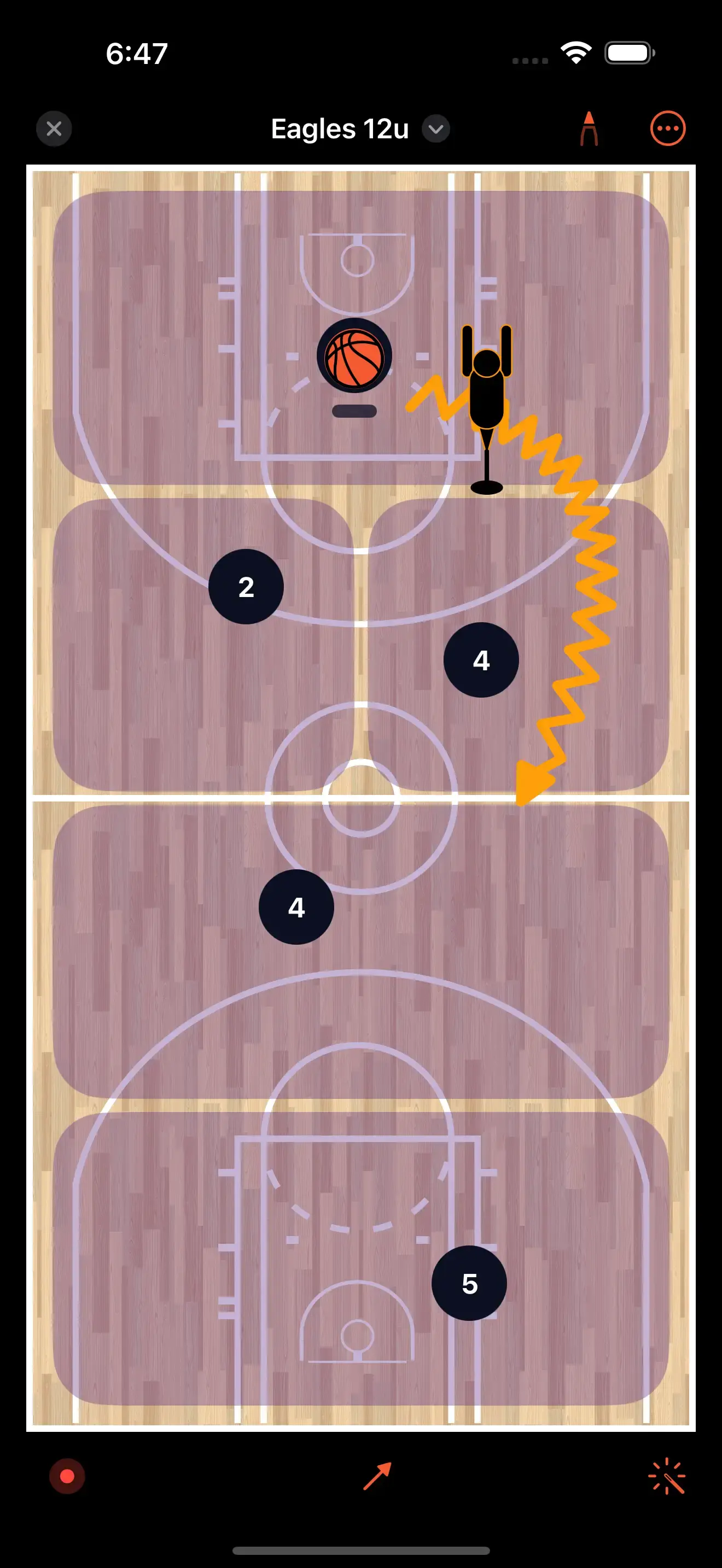
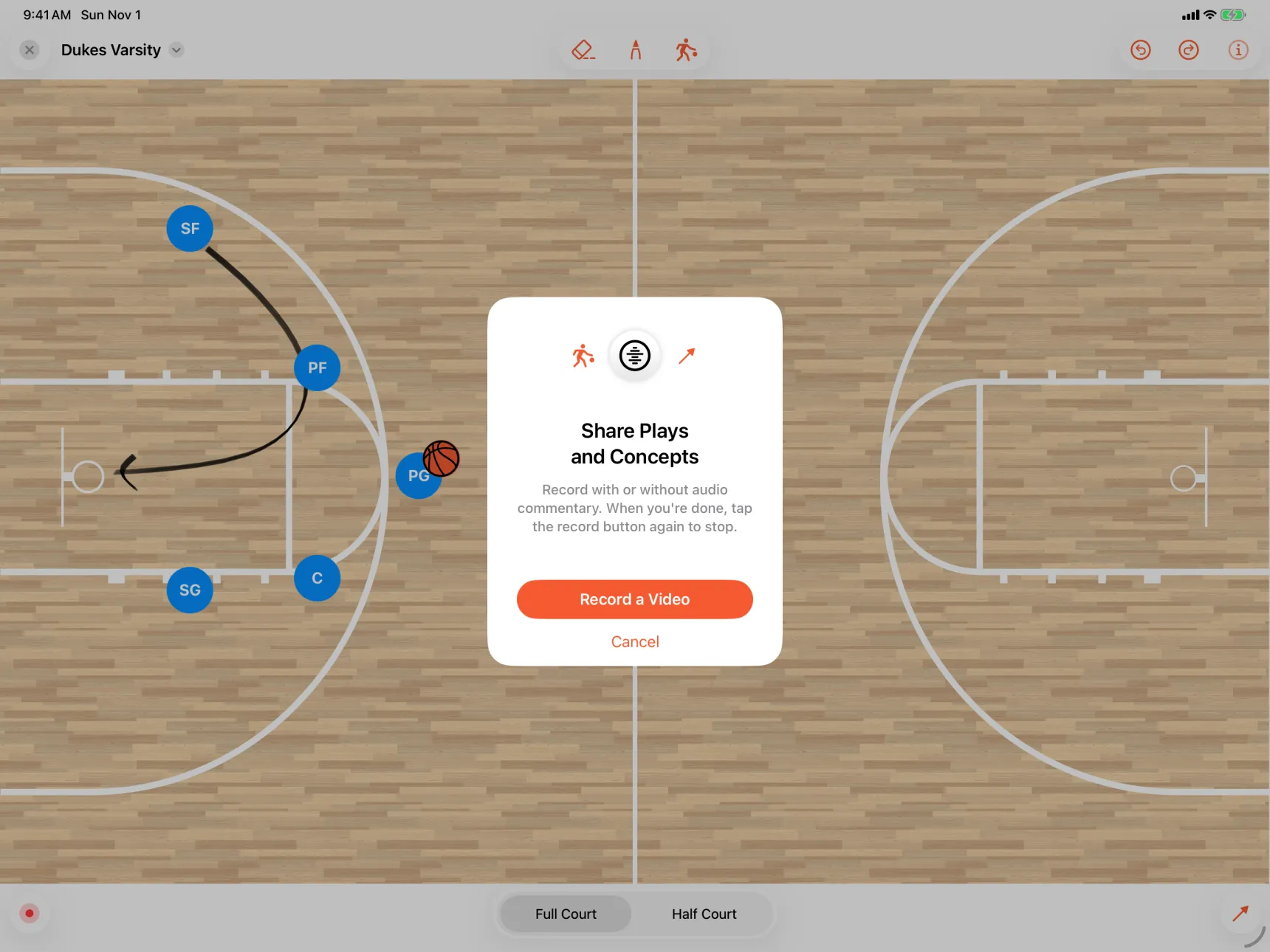
Hit record, then talk. Your voice goes over the board as you draw, with or without commentary.
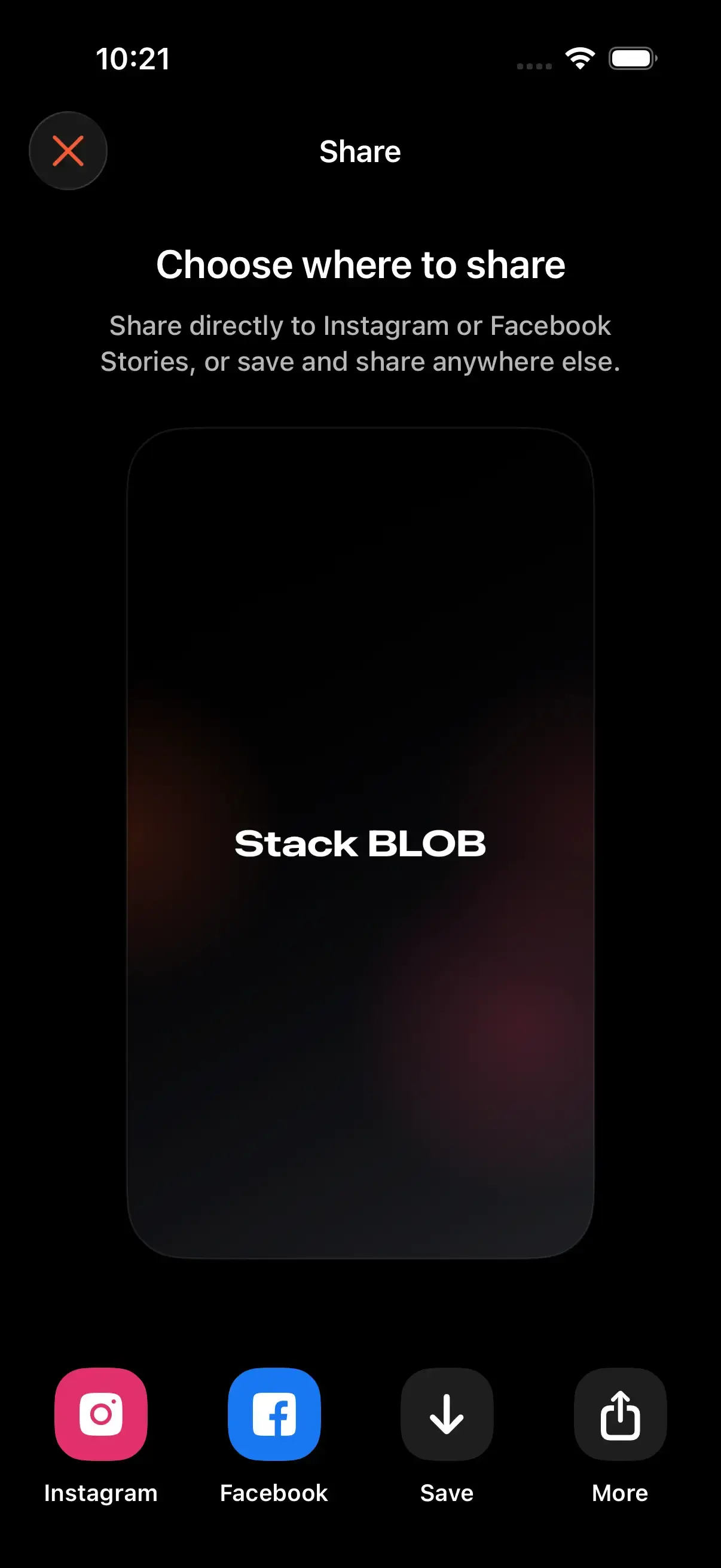
Send it to the team. The video saves to your camera roll, ready for the group chat.
Draw any action. Cuts, passes, screens, handoffs, cones and defenders, drawn where the play needs them.
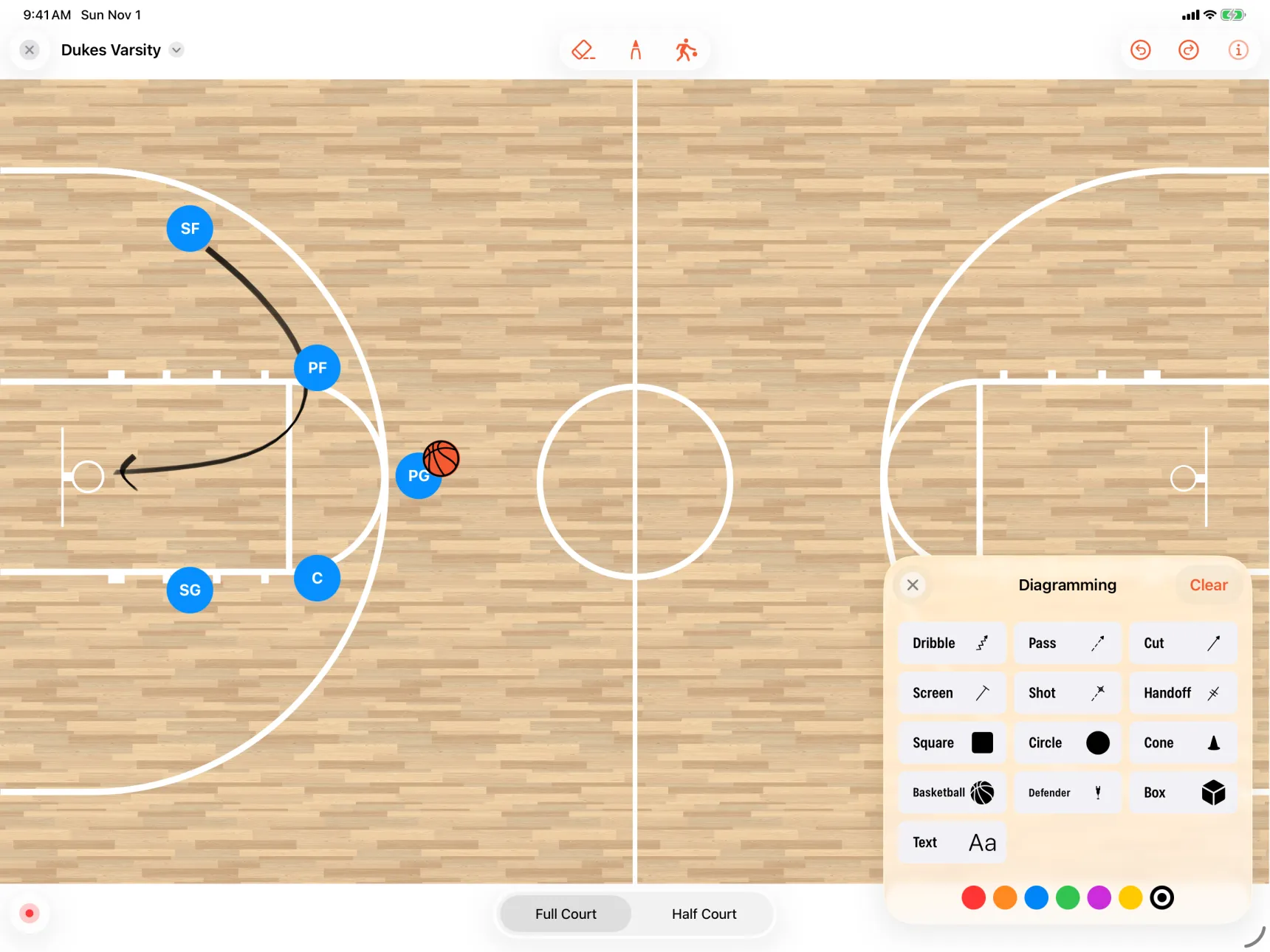
How to Record a Whiteboard Walkthrough
Open your team’s court
Tap the whiteboard button in the Playbook tab. Your players are already on the floor.
Set the floor
Drag players to their spots, pick full or half court, and lay down a zone or press when the play attacks one.
Record and talk it through
Tap the red button and explain the play as you draw. Tap it again to stop.
Send it
The video saves to your camera roll, ready to send to your players or your staff.
Simple Pricing
Pick the plan that fits your season.
Every plan unlocks Elite Hoops Pro. A Team Plan adds a private playbook for the coaches, players, and parents you invite.
Monthly plan
Most flexibleFull Pro access with the most flexibility.
USD per month
Quarterly plan
Most popularA strong fit for a season or training block.
USD every 3 months
Checkout securely processed by Stripe
Your Complete Coaching Edge
Plan sharper, teach faster, and keep every team organized with the full Elite Hoops toolkit.
- Export animated play videos
- Share plays as PDF or images
- Share anything with a public link
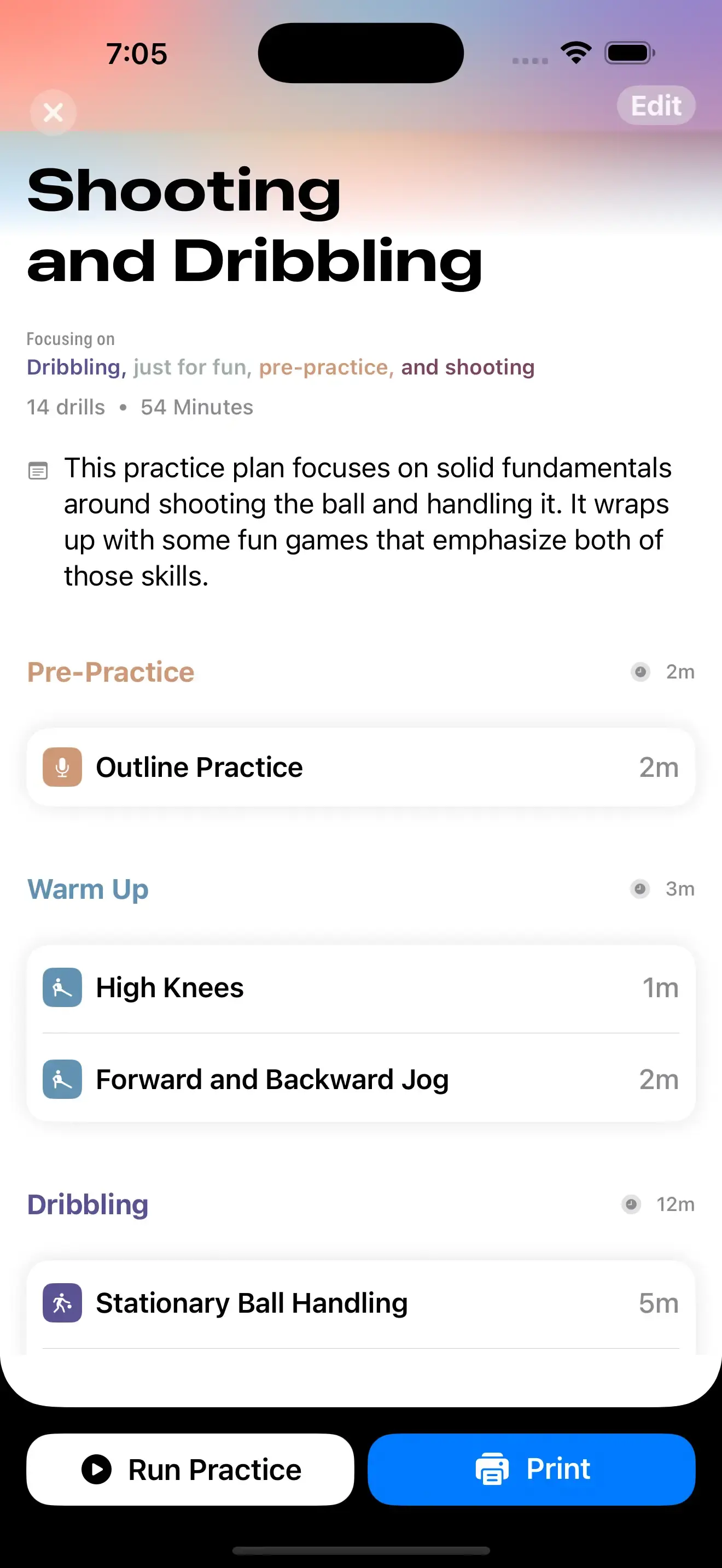
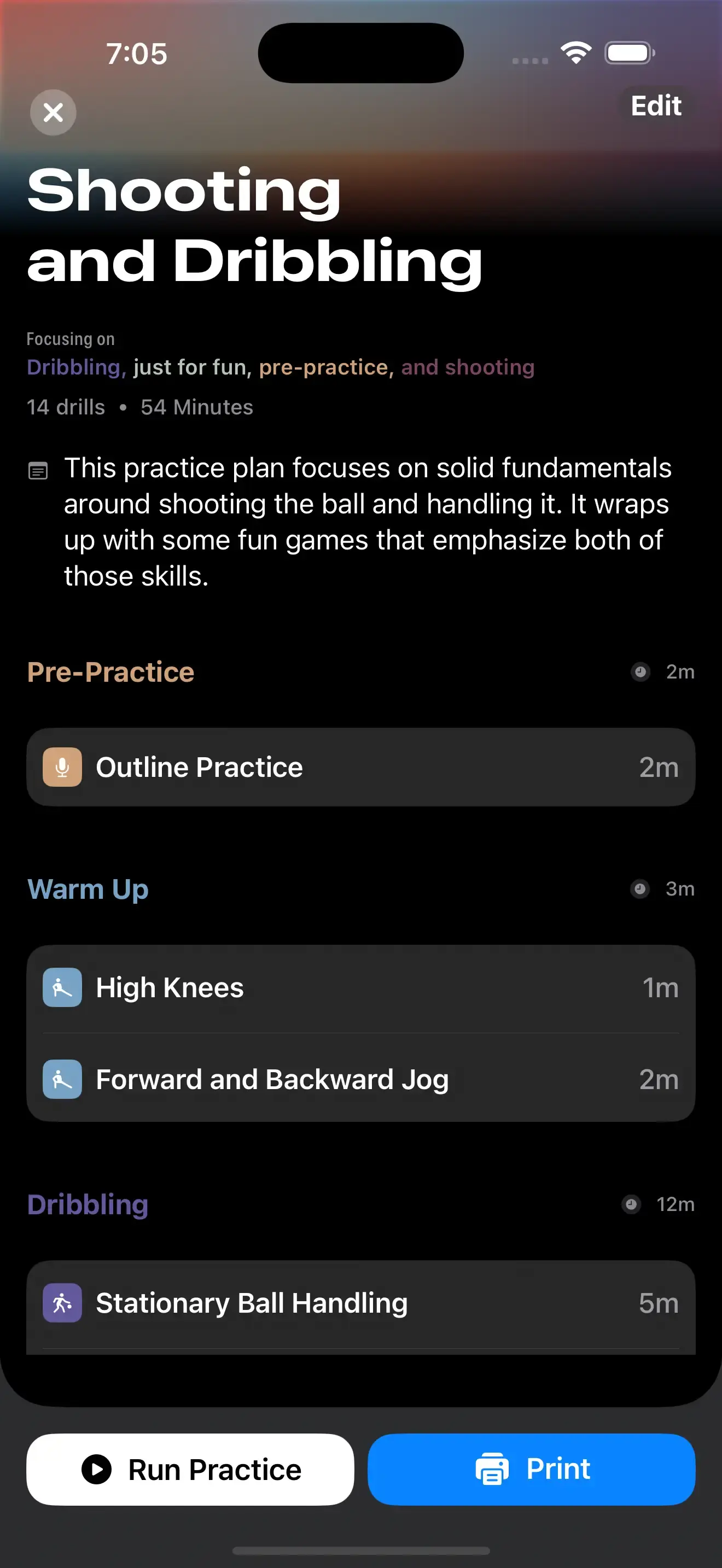
- Create printable practice plans
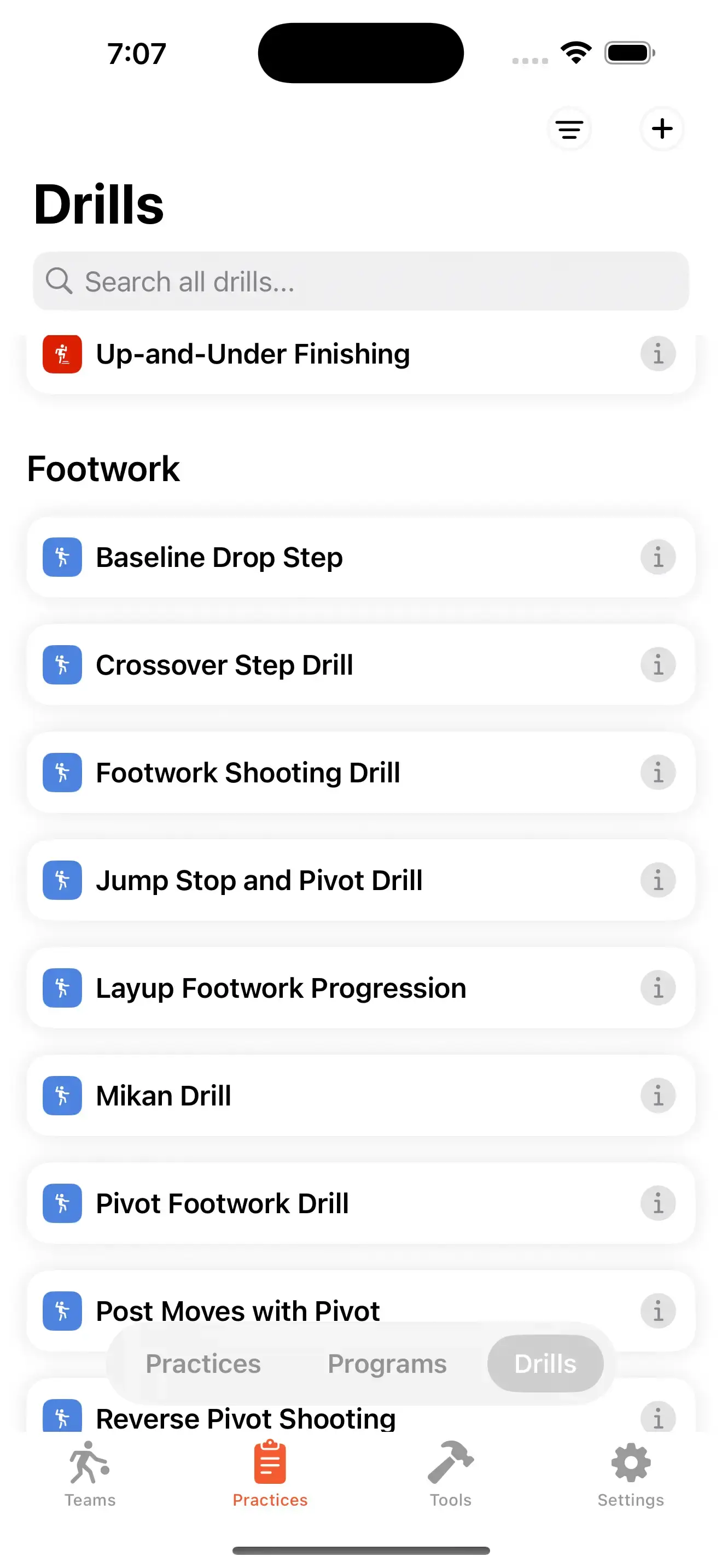
- Save your own drill library
- Build unlimited teams and playbooks
- Use team rosters, logos, and courts
- Cloud sync and backups
- Available on web and Apple devices
Frequently asked questions
Discover More Elite Hoops Features
Packed with tools for coaches and trainers